Moved on to creating tours and found that I cannot reorder locations in the edit view as they appear as giant-sized icons
Please provide screenshots, links, error messages, and other details that might help with troubleshooting.
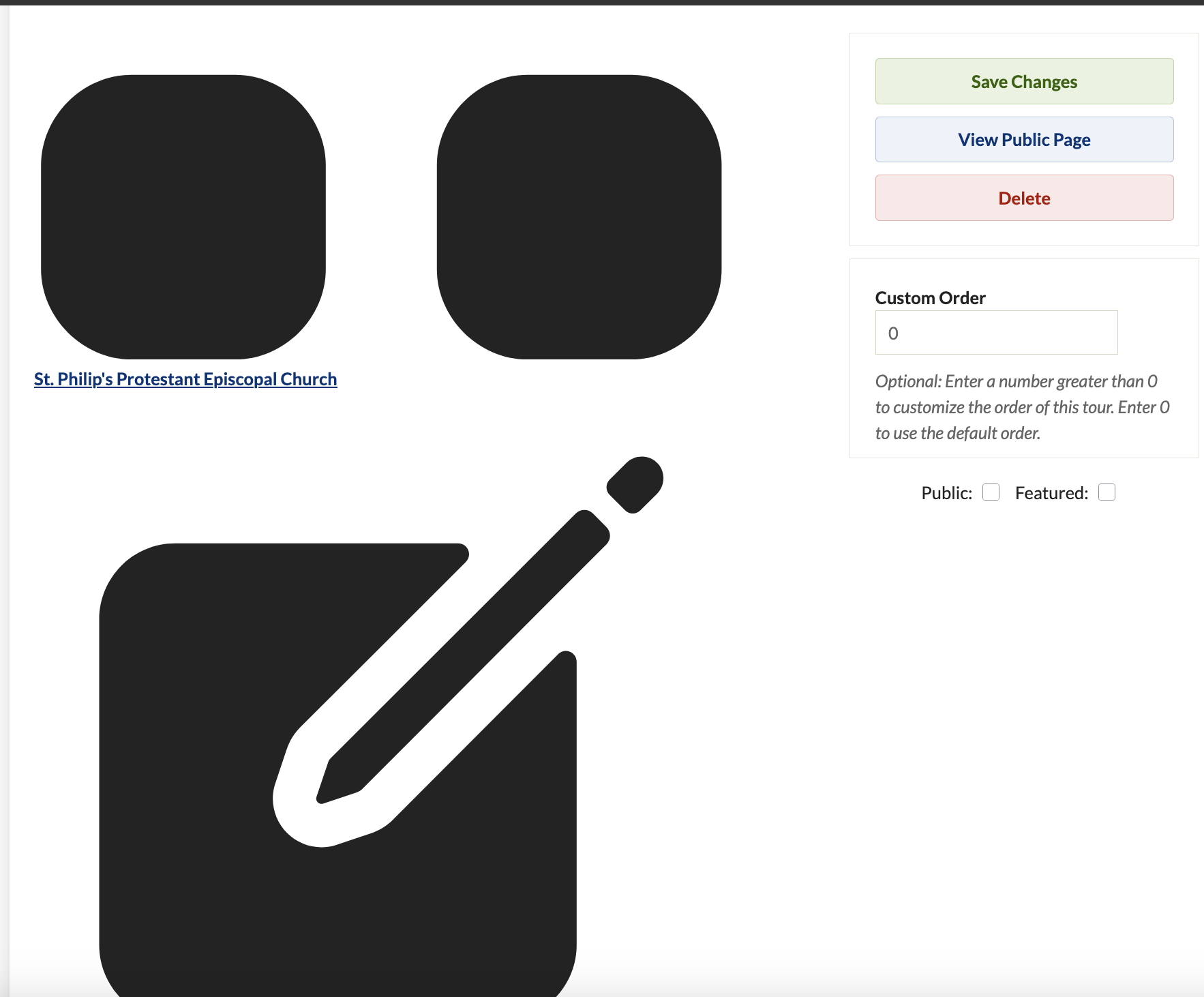
Looks like either the stylesheet is not loading or the jQuery sortable script is not loading (or both). As I noted in a separate thread, I’d guess this might have something to do with hosting your site in a subdirectory instead of a root domain or subdomain. So my guess is that the quickest way to eliminate errors like this would be to change that. Alternately, please use your browser’s dev tools to provide any Console messages that might be relevant, including any 404 errors in the Network tab. You can also use Command+U to view the page source, which you can copy-paste here (that will show me if the file paths are incorrect for your setup).
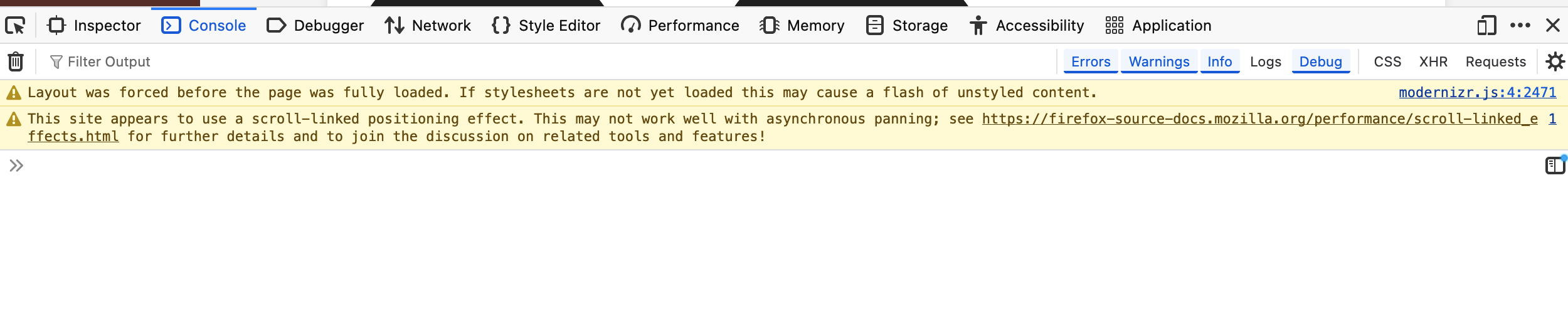
Nothing in Network
Page info is too big to paste in full
Edit Tour · New York City Guide 1939 · Omeka Admin Skip to main content- Welcome, Stephen Robertson
- Log Out
Main Menu Current Page Edit Tour
- Dashboard
- Items
- Collections
- Item Types
- Tags
- Map
- Tours
- Simple Pages
- Omeka API Import
- Admin Images
- LC Suggest
- Resource Meta
Search using this query type: Keyword
Boolean
Exact match Search only these record types: Item
Tour
Simple Page
Boolean
Exact match Search only these record types: Item
Tour
Simple Page
Edit Tour
Title
A title for the tour.
Credits
The name of the person(s) or organization responsible for the content of the tour.
Description
The main text of the tour.
Postscript Text
Additional text to be displayed after the main tour content.
Tags
Separate tags with ,
Tour Items
Search for items to add to tour (item geolocation is required). Drag and drop to change order.
- Custom Subtitle (optional)Custom Text (optional)
- Custom Subtitle (optional)Custom Text (optional)
Ok, stay tuned, I think I have a fix lined up but need to do some additional work before creating a new release.
Ok @Srober30, check the latest release for the fix and let me know.
Thanks. I’m waiting for Reclaim hosting to update to Omeka 3.2.1 - I’ll check as soon as that’s done
Update finally happened - and this fix works perfectly